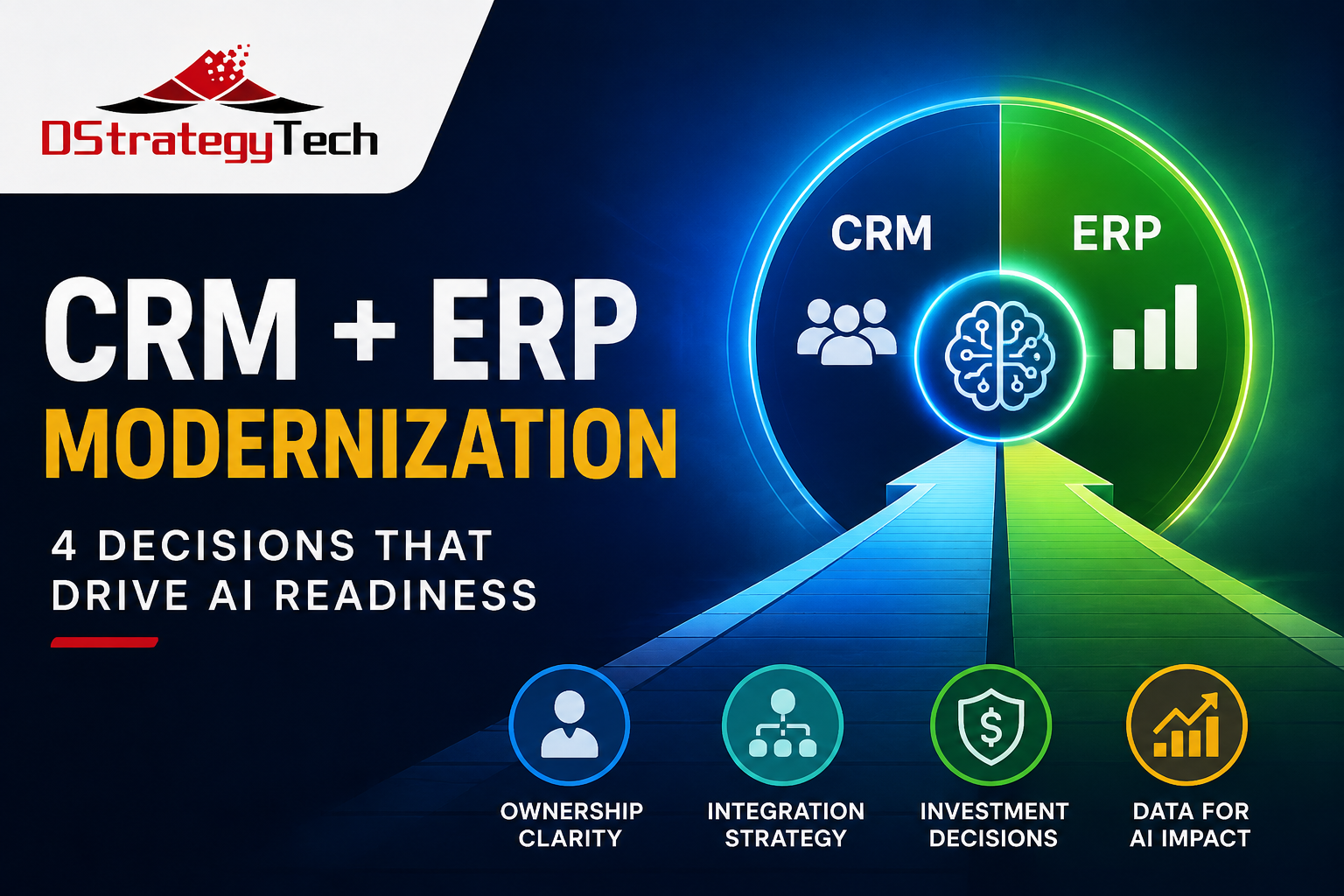
Business Central & CRM Modernization: 4 Decisions That Drive AI Readiness
Modernizing CRM or ERP used to be primarily an application decision.
Which CRM should we use? Should we move our ERP to the cloud? How should sales and finance exchange information?
Those questions still matter. But AI has introduced a more important one:
Will the architecture we build today give AI access to the trusted business data it needs tomorrow?
For organizations using Microsoft Dynamics 365 Business Central alongside Dynamics 365 CRM, HubSpot, or another CRM platform, this distinction matters.
There are really two types of integration involved.
System integration keeps applications synchronized so employees can work efficiently. A customer created in CRM can appear in Business Central. A closed opportunity can initiate an order process. Salespeople can see relevant financial information without switching systems.
Data integration brings information from CRM, Business Central, and other business systems into a common data and analytics foundation where it can be combined, analyzed historically, governed, and eventually used by AI.
You can have excellent system integration and still have a weak foundation for AI.
That is why CRM and Business Central modernization should increasingly be treated as a business data decision, not simply an application migration.
1. Decide Which System Owns the Customer
CRM and ERP systems both contain customer information, but they use that information for different purposes.
CRM typically manages the commercial relationship: prospects, opportunities, activities, pipeline, sales conversations, and service interactions.
Business Central manages the operational and financial relationship: customers, orders, invoices, payments, credit information, and financial history.
Problems begin when nobody clearly decides which system owns which information.
Consider something as simple as an address.
If employees can independently update the same billing or shipping information in CRM and Business Central, which system is correct when the records disagree?
Integration cannot solve an ownership problem that the business has never resolved.
Before designing integrations, establish:
- which application owns each important data element;
- when ownership changes during the customer lifecycle;
- which direction information should flow; and
- how conflicting information will be handled.
This becomes even more important with AI.
An AI agent operating across CRM and ERP information needs trusted definitions. If two systems provide conflicting customer information, the agent should not be expected to determine which business definition management intended.
Data ownership should be designed before AI is layered on top.
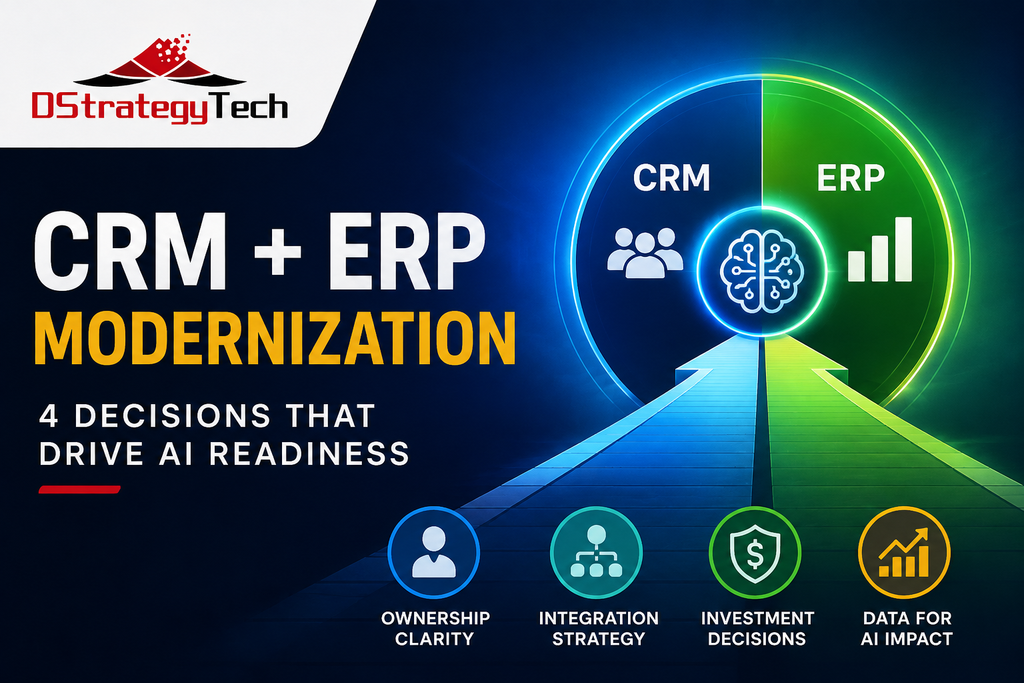
2. Choose CRM Based on the Whole Architecture
For organizations using Business Central, there are several reasonable CRM strategies.
Dynamics 365 CRM
Dynamics 365 can be attractive when an organization wants to standardize more of its business applications on the Microsoft ecosystem.
Business Central, Dynamics 365 applications, Dataverse, Power Platform, Microsoft Fabric, Power BI, and Microsoft Copilot provide multiple options for creating connected business processes and analytics.
The strategic benefit isn’t simply having another Microsoft application.
It’s the opportunity to reduce integration complexity while building a broader Microsoft data and AI architecture.
HubSpot or Another CRM
Moving away from an existing CRM isn’t automatically the right answer.
If marketing and sales teams are productive in HubSpot, Salesforce, or another platform, replacing it solely for architectural consistency can create significant organizational disruption.
Instead, evaluate the real integration requirements.
What information must flow into Business Central?
What ERP information does the sales team need?
How will CRM information reach the analytics platform?
What integrations will require ongoing monitoring and maintenance?
A non-Microsoft CRM can work very well with Business Central. But the integration architecture and its long-term cost should be part of the platform decision from the beginning.
Multiple CRM Platforms
Some organizations intentionally use different applications for marketing, sales, service, or specialized processes.
That can work.
But the boundaries must be deliberate.
Otherwise, the organization gradually creates multiple versions of the customer, duplicated integrations, inconsistent reporting, and a much harder data environment for AI.
3. Evaluate Integration Cost Beyond Implementation
Organizations often compare CRM platforms using software licensing and implementation estimates.
Integration deserves its own calculation.
Depending on the architecture, organizations may use Microsoft capabilities, third-party integration platforms, APIs, Power Platform, Azure services, or custom development to connect applications.
Each approach has a different combination of:
Cost. Flexibility. Maintainability. Monitoring. Vendor dependency. Internal skills required.
One question is particularly useful when evaluating an integration design:
If the person who built this integration leaves tomorrow, can we still operate and support it?
That question often exposes architecture risk faster than a feature comparison.
The same principle applies to AI automation.
A clever integration or agent that only one developer understands can quickly become operational debt.
Modernization should reduce that dependency, not create more of it.
4. Make Sure the Data Reaches Your AI Foundation
This is where CRM modernization and AI readiness intersect.
Imagine a salesperson asks an AI assistant:
“Which customers should I prioritize this week?”
CRM might know:
- opportunity activity;
- recent conversations;
- engagement;
- pipeline stage; and
- next actions.
Business Central might know:
- payment history;
- outstanding balances;
- sales history;
- margins;
- orders;
- returns; and
- fulfillment performance.
Neither system necessarily has the complete answer.
The real opportunity appears when trusted CRM and ERP information can be brought together through a governed data foundation.
For Microsoft-oriented organizations, that foundation might involve technologies such as Microsoft Fabric, Dataverse, Power BI, Power Platform, and appropriate integration services.
Then analytics and AI can work across business processes rather than remaining trapped inside individual applications.
This is why DStrategyTech treats data foundation and integration as a core part of the AI journey—not simply an implementation detail.
What AI Changes About CRM and ERP Integration
Traditional reporting can tolerate some ambiguity.
Someone sees an unexpected number on a dashboard, asks where it came from, and eventually discovers that finance and sales define “active customer” differently.
AI makes that problem more consequential.
An AI assistant can turn inconsistent information directly into a recommendation or action.
Before using CRM and Business Central data for AI, organizations should therefore establish four things:
- Trusted business definitions. Terms such as customer, active customer, revenue, opportunity, margin, and renewal should have agreed meanings.
- Cross-system context. AI should have access to the operational information required for the decision it is helping make.
- Historical information. Forecasting, customer behavior, churn indicators, and other analytical scenarios usually require history rather than only today’s state.
- Security and governance. Bringing ERP and CRM information together should not mean every user or AI agent receives access to everything.
These aren’t simply technical requirements.
They determine whether employees can trust the resulting AI.
Four Questions Leaders Should Ask Before Modernizing
Before approving the next CRM or Business Central modernization project, ask:
1. Which system owns each important piece of customer information?
2. Are we connecting our systems only for employees, or are we also creating a usable data foundation?
3. What is the three-year cost of maintaining the integrations—not simply building them?
4. If we deployed an AI agent against this environment next quarter, what important information would it be missing?
Those questions can change the architecture before expensive decisions become difficult to reverse.
Modernize for the Business You Are Building
The goal of CRM and ERP modernization should not be simply to reproduce today’s processes on newer software.
It should create a better operational foundation.
That means establishing clear data ownership, connecting applications appropriately, improving the quality and accessibility of business information, and designing the environment so analytics and AI can use that information responsibly.
For many SMBs, the progression will increasingly look like this:
Business Central + CRM → Integration → Trusted Data → Analytics → AI & Agents
The applications still matter.
But increasingly, the value comes from what your organization can do with the data flowing between them.
DStrategyTech helps SMBs modernize Microsoft Dynamics 365 Business Central and CRM environments while building the data and integration foundations required for analytics and AI.
Our Microsoft services include Business Central implementation and optimization, Dynamics 365 CRM, system integration, Microsoft Fabric, Power BI, AI readiness, AI agents, automation, and security.
If you’re evaluating a CRM modernization, Business Central project, or how to prepare your business systems for AI, contact DStrategyTech to discuss your environment and next steps.
Related Posts