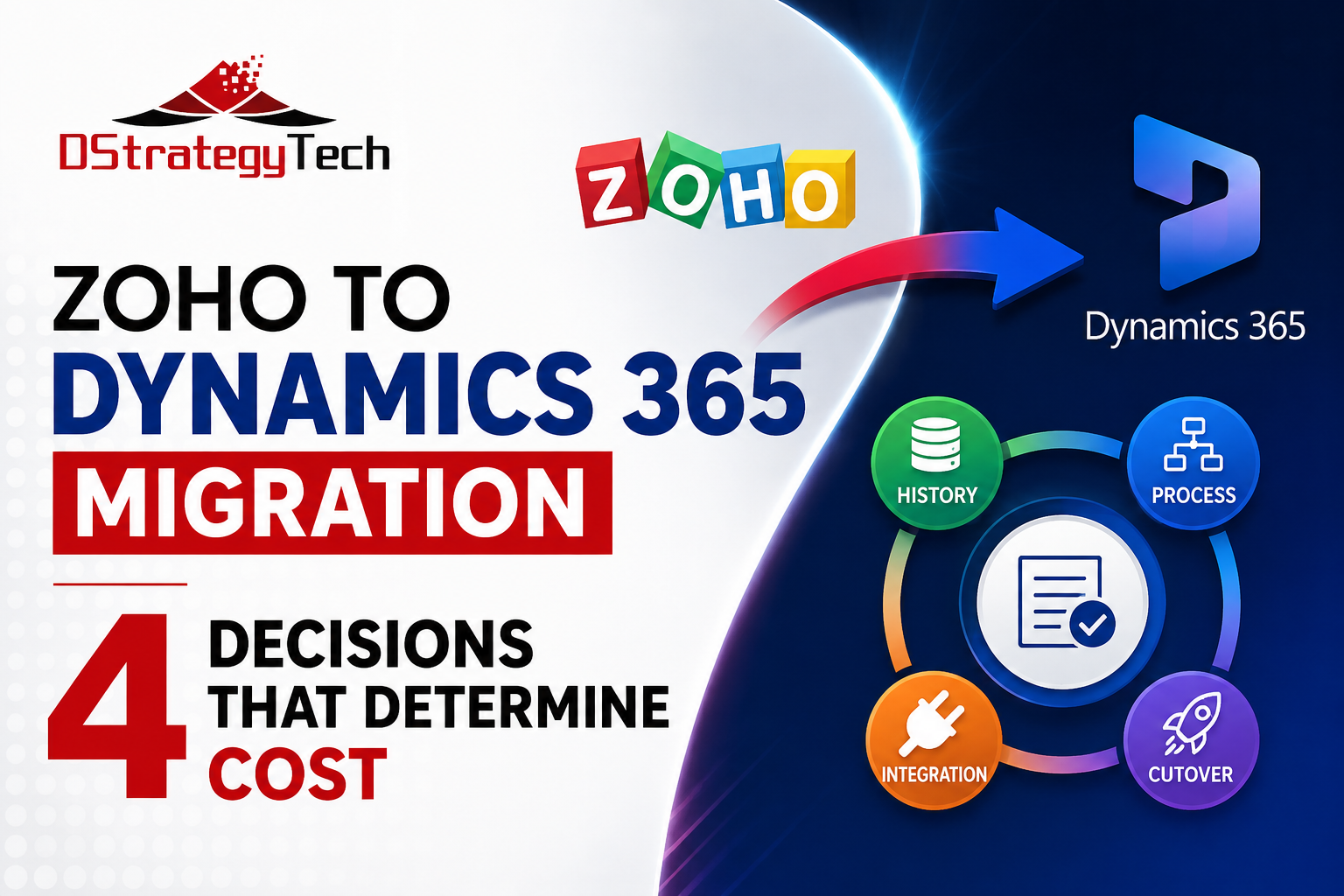
Zoho to Dynamics 365 Migration: The 4 Decisions That Determine Cost
Most CRM migrations do not fail on the platform. They fail on assumptions made before anyone signed — about how much history would come across, how closely the new system would resemble the old one, and how much of the sales process was actually written down anywhere.
By the time a company is seriously evaluating a move from Zoho to Dynamics 365, the platform decision is usually the easy part. The hard part is that a CRM is not a database. It is a database plus a decade of accumulated custom fields, workflow rules, half-abandoned modules, duplicate accounts, and one salesperson’s private naming convention that three reports now depend on. All of that has to be sorted before it moves, or it moves anyway and becomes someone else’s problem in the new system.
Why Companies Actually Leave Zoho
Buyers usually describe the reason as “Zoho is limiting us.” That is rarely the whole story, and the real trigger matters because it determines what a successful migration has to accomplish.
Microsoft is already the rest of the stack. The company runs Microsoft 365, and the CRM is the only significant system living outside it. Every meeting note, quote, and forecast requires a context switch, and single sign-on, security policy, and data protection all have an exception carved out for one application.
The ERP integration keeps breaking. Sales creates a customer in one system, finance creates the same customer in another, and someone reconciles the two by hand. For mid-sized companies this is often the clearest financial argument for the move, because the cost of the workaround is measurable in hours.
Leadership stopped trusting the numbers. Pipeline reported from CRM does not match what the sales leader believes, so the sales leader keeps a spreadsheet. Once that spreadsheet exists, the CRM has already lost.
Scale caught up with the configuration. What worked at eight users and one product line does not work at forty users, three divisions, and a channel partner network.
Each of these implies a different definition of success. A company leaving because of ERP integration pain will judge the project on whether customer and order data flow correctly. A company leaving because leadership lost trust in the numbers will judge it on whether the forecast is finally believable. Building the wrong one well is still a failed project.
The Four Decisions
There is no single correct migration pattern, and this is where projects get expensive by choosing badly — usually by not choosing at all and letting the default happen.
1. How much history comes across. The instinct is to bring everything. Every closed deal, every note, every email logged since 2016. It is worth interrogating. Open pipeline, active accounts, and current contacts are non-negotiable. Closed opportunity history has real value for forecasting and account planning, but it also carries the highest data quality cost, because it is the least maintained data in the system. Attachments, logged emails, and notes are where migration timelines quietly double.
A defensible middle path is common: full migration of active records and relationships, a defined window of closed history, and an archive of the remainder kept accessible but out of the production system. The decision should be made deliberately, priced accordingly, and not discovered halfway through the project.
2. Replicate the process, or redesign it. Zoho concepts do not map one-to-one onto Dynamics. Modules become Dataverse tables. Deals become opportunities, with stages that may or may not survive contact with a real sales process. Blueprints become business process flows. Workflow rules become a mix of Power Automate flows and business rules, and rarely map one to one.
The temptation is to rebuild Zoho inside Dynamics as closely as possible, on the theory that it minimizes disruption. It does minimize disruption. It also means paying migration cost to preserve the constraints that prompted the move. The opposite failure is redesigning the entire sales process at the same time as changing platforms, which produces a project that slips and a sales team that resists both changes at once.
The workable version is narrow: keep the process the team actually follows, fix the two or three things everyone already complains about, and defer the rest to an optimization phase after go-live.
3. What the CRM connects to. For most companies making this move, CRM in isolation is not the point. The value shows up when the customer record in Dynamics and the customer record in the ERP are the same customer — when sales can see credit status, open orders, and payment history without asking finance.
The pattern depends on the ERP. Organizations already running Dynamics 365 Business Central have a shorter path, since both systems sit inside the same Dynamics 365 and Dataverse ecosystem. Dynamics GP and Sage environments need an integration layer, and the design of that layer is a genuine architectural decision rather than a configuration step. This is worth scoping at the same time as the CRM migration, even if it is delivered afterward, because the data model decisions made during migration will either enable it or make it harder.
4. How you cut over. A parallel run — both systems live while the team transitions — feels safer and is often worse. Dual entry decays within two weeks, data diverges, and nobody trusts either system. A clean cutover with a short freeze period, a rehearsed migration, and a validated reconciliation is usually the better trade, provided the rehearsal actually happened against production-scale data.
The variable that decides this is not technical. It is whether the sales team has been prepared, trained, and given a reason to prefer the new system. Cutover approach is a change management decision wearing a technical costume.
What Gets Underestimated
Five things account for most migration overruns:
- Duplicates. Every CRM of a certain age has them. Migration is the one moment when fixing them is cheap, and the one moment when nobody wants to slow down to do it.
- Ownership and security. Zoho roles and profiles do not translate directly to the Dynamics business unit and security role model. Territory structures, record sharing, and manager visibility all need explicit design.
- Attachments, notes, and email history. Individually trivial, collectively the largest volume of records in most migrations, and the most likely to be discovered late.
- Reporting continuity. Every report and dashboard someone relies on has to have an answer on day one, in Power BI or in Dynamics. “We’ll rebuild the reports after go-live” is how executives lose confidence in week two.
- Adoption. A technically perfect migration that the sales team works around is a failed project. Budget for training and for a post-go-live period where someone is actively watching usage and fixing friction.
Why These Decisions Outlive the Project
The reason to take data quality seriously during migration is not tidiness. It is that every system you build on top of the CRM afterward reads the same records. Forecasting, dashboards, automated workflows, and increasingly the AI assistants and agents that companies are starting to point at their business data all inherit whatever came across.
None of that tooling repairs duplicate accounts, inconsistent opportunity stages, or missing ownership. It reads them and produces confident answers built on them, which is worse than producing no answer at all. A migration is the rare moment when fixing these things is part of work you are already paying for. Deferring them means paying twice — once to move the problem, and again to clean it up later under more pressure and with more systems depending on it.
Questions Worth Asking
For business leaders: What specifically will be better after this, and how will we know? What is the current cost of the workarounds — the spreadsheets, the double entry, the reconciliation time? Who owns adoption after go-live?
For technology leaders: How much of our Zoho configuration is actually in use, and how much is residue? What is our duplicate rate, and are we fixing it during migration or inheriting it? Which integrations are load-bearing today? Do we have a rehearsal environment with realistic data volumes?
The Common Mistake
The most expensive pattern is treating the migration as a data movement exercise and discovering the process questions during user acceptance testing. Records move, the system goes live, and then the sales team finds that the stages do not match how they sell, the reports do not match what leadership asks for, and the ERP handoff still requires a spreadsheet. The project is technically complete and commercially unsuccessful.
The better sequence is to spend real effort before the migration decisions are locked: inventory what is actually in use, agree what “good” looks like for the two or three things driving the move, decide history and process scope explicitly, then execute. The migration itself is the most predictable part of the project once those decisions are made. It is the least predictable part when they are not.
Considering a move from Zoho to Dynamics 365? DStrategyTech is a Michigan-based Microsoft Partner specializing in CRM migration and ERP integration. Our CRM Migration Assessment is a short, fixed-scope engagement that inventories your current Zoho environment and defines the data, process, integration, security, and cutover scope — before you commit to a full migration project.
Contact DStrategyTech to talk through your Zoho to Dynamics 365 migration.

Related Posts