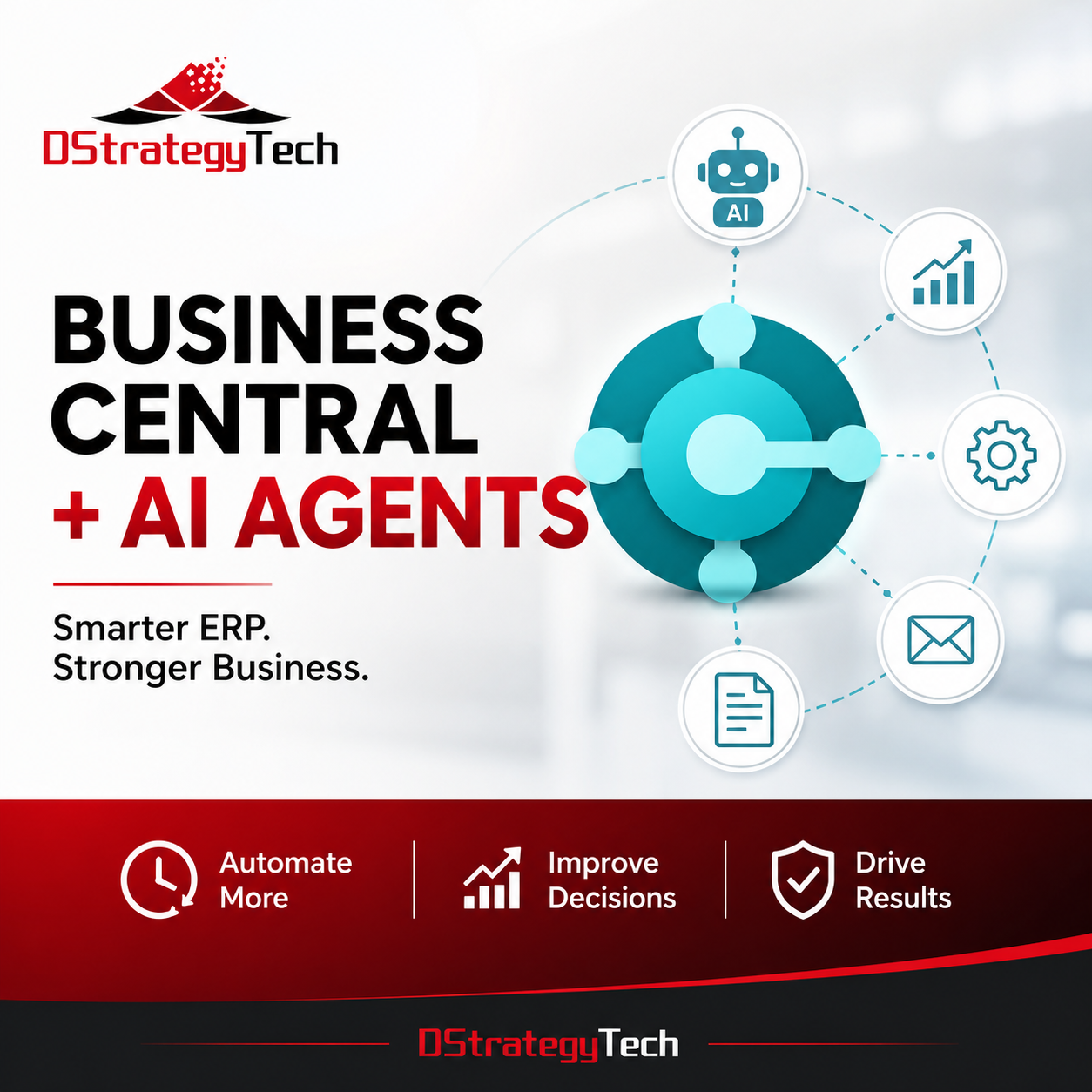
Business Central + AI Agents: 7 Practical Opportunities for Leaders
Microsoft Dynamics 365 Business Central is moving beyond traditional ERP. With Copilot, AI agents, Power Automate, and the broader Microsoft ecosystem, organizations can increasingly use AI to reduce repetitive work, surface exceptions, and improve decision-making.
For business and technology leaders, the opportunity is not simply adding a chatbot to ERP. It is identifying where AI agents can safely participate in business processes while people retain visibility and control.
1. Finance and Accounts Payable
AI agents can assist with repetitive finance activities such as processing documents, identifying exceptions, preparing information for review, and supporting follow-up activities. Microsoft describes agents as autonomous AI workers that can handle defined tasks while keeping their work transparent and reviewable.
2. Sales and Customer Service
Teams can use natural-language interaction to find customers, orders, items, vendors, and other Business Central information faster. This can reduce navigation time and help employees respond to customers more efficiently.
3. Purchasing and Vendor Management
Agents can potentially assist teams in monitoring purchasing activity, identifying exceptions, gathering relevant vendor information, and initiating workflows that still require human approval.
4. Inventory and Operations
Business Central AI capabilities can help organizations analyze inventory and supply-chain information, making it easier to identify unusual conditions and prioritize operational decisions.
5. Management Reporting
Copilot can help users organize and analyze Business Central records using natural language. This creates an opportunity for managers to move from static reporting toward faster, question-driven analysis.
6. Cross-System Automation
Business Central integrates with Microsoft Power Platform, enabling workflows across tools such as Power Automate, Power Apps, Power BI, Outlook, Teams, and SharePoint.
7. Human-in-the-Loop AI Agents
The strongest early use cases may be agents that prepare, recommend, summarize, or identify exceptions while employees approve consequential actions. This provides automation without unnecessarily removing business oversight.
Start With Optimization, Not AI
Before introducing agents, organizations should evaluate process quality, data quality, integrations, security, and existing Business Central usage. AI will amplify both strong and weak processes.
Microsoft provides an overview of current AI capabilities in Business Central, including Copilot and agent functionality. Organizations should also review availability, licensing, preview status, and governance requirements before adoption.
DStrategyTech helps organizations evaluate Business Central environments, identify optimization opportunities, and determine where automation and AI agents can deliver practical business value.






Related Posts