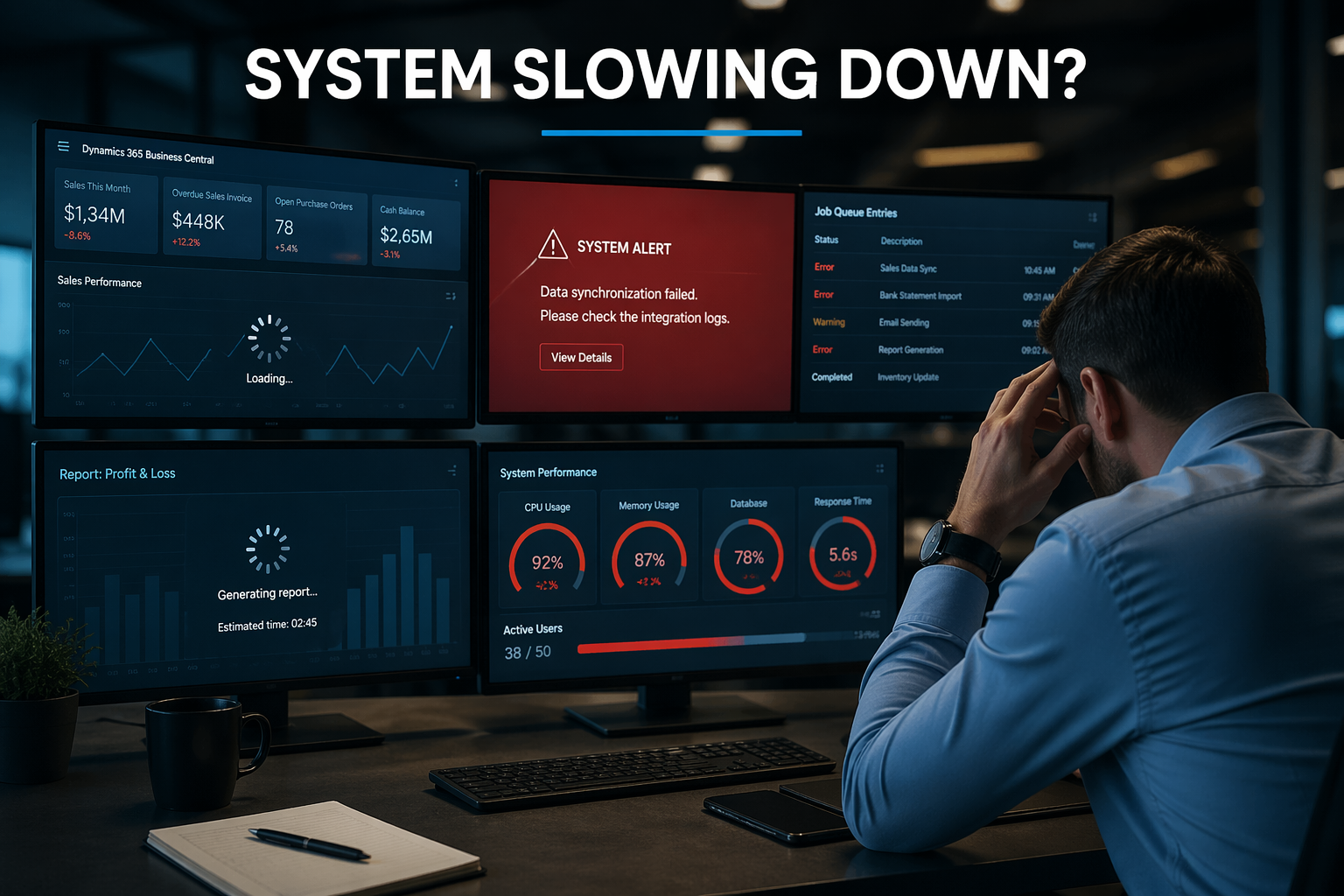
Top D365 Business Central Support Issues SMBs Face
Most SMBs running Microsoft Dynamics 365 Business Central encounter the same recurring support issues. These problems slow operations, frustrate users, and drive up support costs.
Here’s what typically goes wrong — and how to address it before it disrupts your business.
Most of these issues require ongoing monitoring and resolution. Learn more about our Business Central support services and how we help prevent recurring system problems.
1. Slow System Performance
Performance degradation is the most common Business Central support issue. Users report slow page loads, reports that take minutes to generate, and system freezes during peak usage.
Common Causes
- Database bloat: Years of unarchived transactions slow queries
- Poorly optimized customizations: Inefficient extensions
- Concurrent user limits: Too many heavy processes
- Inadequate infrastructure: On-prem limitations
Resolution
Archive historical data, optimize custom code, and consider moving to cloud infrastructure.
2. Integration Failures
Business Central integrations frequently break or stop syncing data.
Resolution
Implement monitoring, alerts, and regular testing after updates.
3. User Permission Issues
Users either lack access or have excessive permissions.
Resolution
Conduct audits, standardize roles, and automate deprovisioning.
Many of these challenges require continuous monitoring and proactive management. This is where structured Business Central support services make a significant difference.
4. Report Generation Problems
Reports fail, return incorrect data, or run slowly.
5. Month-End Close Delays
Close processes take longer or fail due to manual workflows and validation gaps.
6. Data Import Errors
Imports fail due to format mismatches or missing required fields.
7. Customization Update Conflicts
Updates break custom extensions or introduce errors.
8. Mobile App Gaps
Mobile functionality differs from web experience.
9. Email Failures
Invoices and documents fail to send due to configuration issues.
10. Training Gaps
Users rely on support for tasks they should handle independently.
Proactive Support Approach
- Monthly health checks
- Sandbox testing
- Documentation
- User training
- Monitoring and alerts
When to Escalate to Partner Support
- Persistent performance issues
- Integration failures
- Custom code problems
- Security concerns
Bottom Line
Most Business Central issues come from lack of proactive maintenance, poor training, and weak monitoring.
Need help reducing Business Central support issues?
DStrategyTech provides structured, ongoing support focused on performance, reliability, and continuous improvement.
Explore our Business Central support services to see how we help organizations reduce issues and improve system performance.









Related Posts