Business Central Support Cost: What SMBs Should Expect
Business Central Support Cost: What SMBs Should Expect
Most SMBs don’t know what Business Central support actually costs — and that’s a problem. You’ve invested in Dynamics 365 Business Central, but without the right support partner, you’re either overpaying for services you don’t need or flying blind when issues hit.
Here’s what BC support really costs, what impacts pricing, and how to know if you’re getting value.
Why Business Central Support Matters (And What Happens Without It)
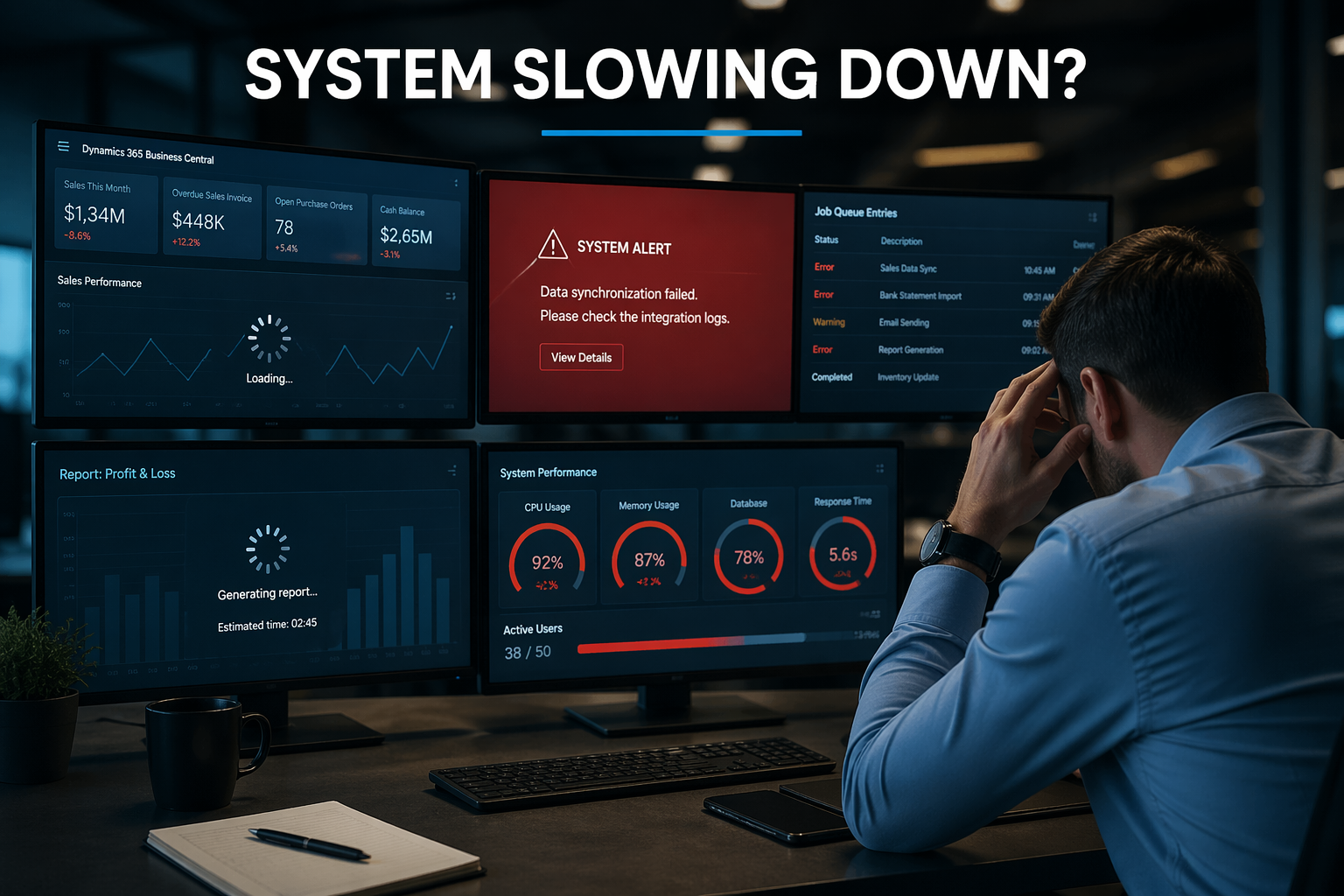
Business Central runs your financials, inventory, and operations. When it breaks, your business stops.
Without proper BC support, you’re risking:
- System downtime during critical periods (month-end close, year-end, audits)
- Users stuck waiting for answers while productivity tanks
- Performance degradation that no one knows how to fix
- Security gaps or compliance issues you don’t discover until an audit
- Missed automation opportunities — you’re paying for features you’re not using
A real support partner doesn’t just answer tickets — they make sure your system actually works for your business.
What Is Business Central Support?
Business Central support isn’t just troubleshooting. A structured support model typically covers:
- Proactive system monitoring to catch issues before they disrupt operations
- User onboarding and training when you add team members
- Performance optimization to keep BC running fast as you grow
- Integration support for Power Platform, third-party apps, and custom workflows
- Update and upgrade management when Microsoft releases monthly updates
For platform capabilities, see Microsoft Learn – Business Central. Product overview at Dynamics 365 Business Central.
Business Central Support Pricing Models
Most BC support partners use one of three pricing structures:
1. Monthly Retainer ($1,500–$5,000/month)
Fixed monthly fee for ongoing support. Typically includes:
- Unlimited user support tickets (email, phone, portal)
- Proactive system health checks
- Monthly optimization reviews
- Priority response times (2–4 hours for critical issues)
Best for: SMBs with 10–50 users who need consistent, predictable support.
2. Hourly Support ($150–$250/hour)
Pay-as-you-go model. You’re billed for time spent.
Best for: Companies with strong internal IT who only need occasional expert help.
Watch out: Costs can spiral during migrations, integrations, or major issues. A 2-day integration project at $200/hour = $3,200. Do that quarterly and you’re paying retainer-level costs without retainer-level coverage.
3. Hybrid Model (Retainer + Hourly Overages)
Base retainer (e.g., $2,000/month) with additional hours billed separately for projects or heavy support months.
Best for: Growing SMBs with variable support needs (busy during month-end, quiet otherwise).
Pricing Model Comparison
| Model | Monthly Cost | Best For | Watch Out For |
|---|---|---|---|
| Monthly Retainer | $1,500–$5,000 | SMBs with 10–50 users needing consistent support | Paying for unused hours if support needs are light |
| Hourly Support | $150–$250/hr | Strong internal IT, occasional expert help needed | Costs spike during migrations, upgrades, or major issues |
| Hybrid Model | Base + overages | Growing SMBs with variable support needs | Overage costs can be unpredictable without clear scope |
What Impacts Business Central Support Cost?
Several factors drive pricing:
Number of Users
More users = more support tickets. Expect pricing tiers at 10, 25, 50+ users.
Example: A 15-user BC environment might pay $2,200/month. A 40-user environment with the same setup pays $4,500/month.
Customization and Integration Complexity
Heavy customizations, ISV add-ons, or Power Platform automations increase support complexity (and cost).
Example: A manufacturing SMB with custom lot tracking, Power Automate workflows, and Shopify integration may pay $3,800/month. A basic finance-only setup with no integrations costs $1,800/month.
Response Time Requirements
Need 1-hour SLAs for critical issues? That costs more than 24-hour response times.
Reality check: If your month-end close depends on BC running smoothly, a 1-hour SLA is worth the premium. If you can wait 24 hours for non-critical issues, standard SLAs work fine.
Migration or Upgrade Support
If you’re moving from NAV, GP, or AX, expect $5,000–$15,000 in one-time migration support fees on top of your monthly retainer.
Training and Change Management
Ongoing user training or change management support adds $500–$2,000/month depending on scope.
Example: A company onboarding 5 new users per quarter may budget $1,200/month for recurring training sessions.
Internal IT vs. Business Central Support Partner
Internal IT Can Handle:
- Basic user questions (“How do I post a journal?”)
- Password resets and user setup
- Simple configuration changes (adding a new GL account)
BC Support Partner Handles:
- System performance issues (slow queries, database optimization)
- Integration troubleshooting (Power Platform, ISVs, APIs)
- Upgrade planning and execution
- Custom report development
- Workflow automation design
- Security and compliance audits
Bottom line: Unless your internal IT has deep BC expertise (not just general ERP knowledge), you’ll need a partner for anything beyond day-to-day admin tasks.
What Should Be Included in Your BC Support Agreement?
At minimum, your support agreement should cover:
- Unlimited user support (email, phone, portal — not “10 tickets/month” limits)
- Proactive system monitoring (not just reactive fixes when things break)
- Monthly health checks (performance, security, update readiness)
- Integration support (Power Platform, third-party apps, APIs)
- Quarterly business reviews (are you getting ROI? What can be improved?)
If your partner isn’t offering these, you’re paying for break-fix support — not business value.
🚩 Red Flags You’re Overpaying for BC Support
Warning signs you’re not getting value:
- You’re paying a retainer but filing fewer than 2 tickets/month
- Response times regularly exceed your SLA (and there’s no accountability)
- No proactive outreach — they only engage when you call
- No optimization or improvement recommendations (just reactive firefighting)
- You’re being billed hourly for things that should be included in the retainer
- Your “support partner” doesn’t know your business or system setup
Reality check: Good BC support should feel invisible. If you’re constantly chasing your partner for answers, you’re not getting value.
How to Know If You’re Getting Value
A high-performing BC support engagement delivers:
- Fast response times (issues resolved in hours, not days)
- Proactive recommendations (“We noticed your database is growing fast — let’s archive old data before it impacts performance”)
- User satisfaction (your team gets answers quickly and clearly)
- Continuous improvement (quarterly reviews show tangible wins: faster reports, automated workflows, better adoption)
- Cost predictability (no surprise bills, clear pricing, transparent scope)
If you’re not seeing these outcomes, you’re paying for support — not partnership.
Common BC Support Scenarios and Costs
Scenario 1: Small Distributor (12 users, basic setup)
- Monthly retainer: $1,800
- Includes: user support, system monitoring, monthly health checks
- No custom integrations, minimal training needs
Scenario 2: Mid-Sized Manufacturer (35 users, moderate customization)
- Monthly retainer: $3,500
- Includes: everything above + custom lot tracking support, Power Automate workflows, quarterly user training
- Integration with Shopify for B2B orders
Scenario 3: Professional Services Firm (50 users, heavy Power Platform use)
- Hybrid model: $4,200/month + hourly overages for project work
- Includes: full support + advanced Power BI dashboards, custom approval workflows, integration with Salesforce CRM
- Periodic automation optimization projects billed separately
Bottom Line
Business Central support for SMBs typically ranges from $1,500 to $5,000 per month, depending on user count, customization complexity, and SLA requirements.
The real question isn’t “How much does it cost?” — it’s “What am I getting for that investment?”
Your BC system should run smoothly, users should get fast answers, and you should see continuous improvement — not just firefighting.
Need help evaluating your Business Central support options? DStrategyTech specializes in BC support, optimization, and ongoing improvement — so your system doesn’t just run, it actually works for your business.
Get a free 15-minute BC support audit →
We’ll review your current agreement and show you where you’re overpaying or underserved.
Learn more about our Business Central services at DStrategyTech Business Central Services.


Related Posts