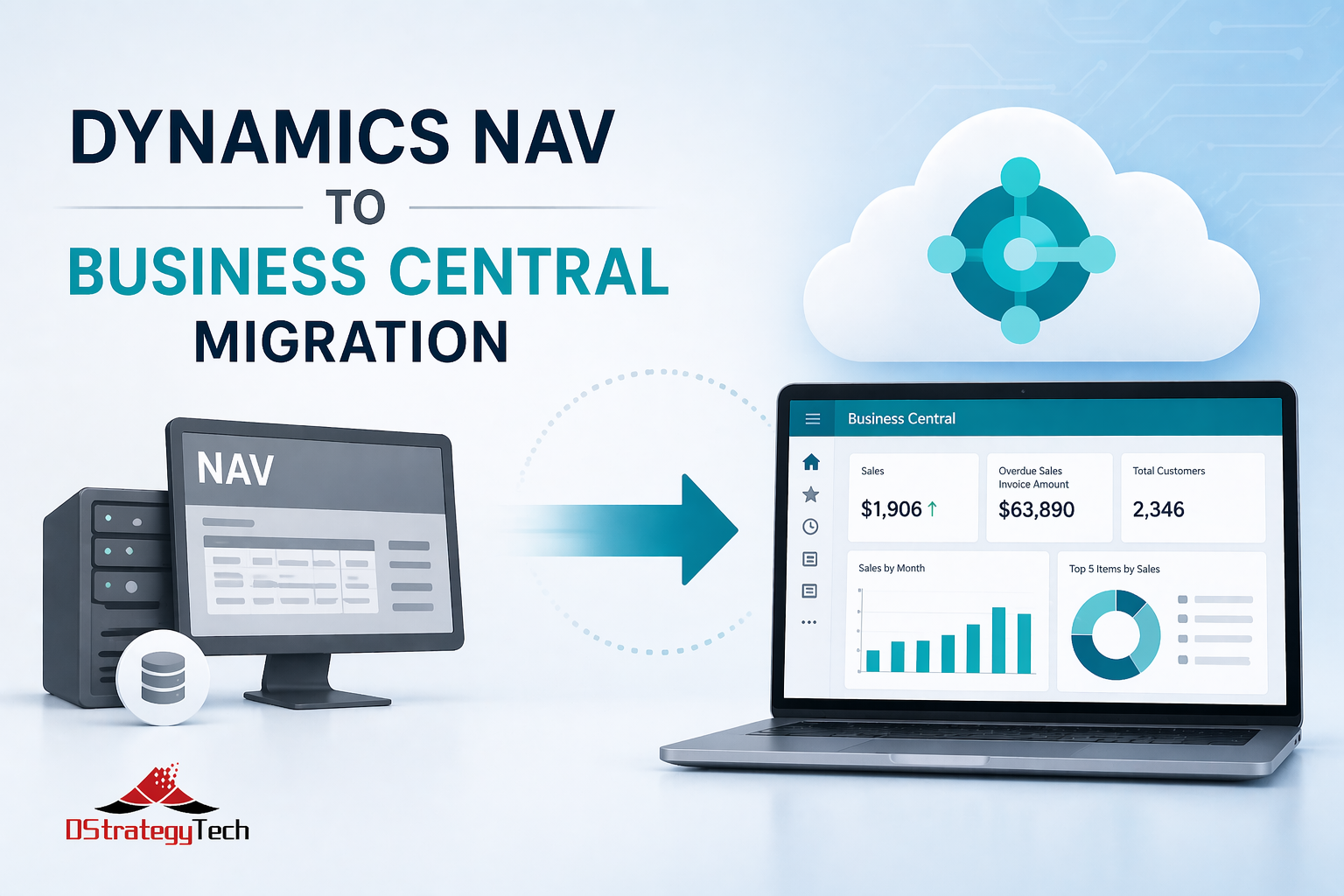
Microsoft Dynamics NAV to Business Central Migration Guide: What SMBs Need to Know
Microsoft Dynamics NAV to Business Central Migration Guide: What SMBs Need to Know
If you’re still running Microsoft Dynamics NAV, you’re on borrowed time. Microsoft ended mainstream support for Dynamics NAV 2018 in 2023, and extended support ends in 2028. That means no new features, limited security patches, and a shrinking pool of NAV experts.
The smart move is migrating to Microsoft Dynamics 365 Business Central now — before you’re forced to rush it.
Here’s what Dynamics NAV users need to know before making the jump to Business Central.
Why Migrate from Microsoft Dynamics NAV to Business Central?
1. Dynamics NAV Support Is Ending
Extended support for Microsoft Dynamics NAV 2018 ends in 2028. After that, you’re on your own — no patches, no compliance updates, no help from Microsoft.
What this means for NAV users:
- No security updates after 2028 (you’re exposed to vulnerabilities)
- No compliance updates (tax tables, regulatory changes)
- Shrinking pool of Dynamics NAV developers (expensive and hard to find)
- No new features or improvements (you’re stuck with what you have)
Review Microsoft’s Dynamics NAV 2018 support lifecycle.
2. Dynamics 365 Business Central Is Cloud-First
No more server maintenance, backups, or infrastructure headaches. Microsoft handles it all with Business Central.
Example: A manufacturing client was spending $18,000/year on Microsoft Dynamics NAV server maintenance (hardware, SQL licensing, IT labor). After migrating to Dynamics 365 Business Central cloud, those costs dropped to zero. The Business Central subscription was actually cheaper than maintaining aging NAV infrastructure.
3. Business Central Has Modern Features Dynamics NAV Doesn’t Have
- Power Platform integration — Automate workflows in Business Central without custom code
- AI-driven insights — Predictive analytics, anomaly detection, smart recommendations in Dynamics 365
- Mobile access — Approve invoices, check inventory from your phone using Business Central mobile app
- Automatic updates — New Business Central features every month, no expensive upgrade projects like NAV required
- Better Excel integration — Edit Business Central data directly in Excel and publish back
- Native Teams integration — Collaborate on Dynamics 365 Business Central data without leaving Teams
Explore Microsoft Dynamics 365 Business Central features.
4. Your Dynamics NAV Customizations Are Getting Harder to Maintain
Finding Microsoft Dynamics NAV developers is expensive and getting worse. Most have moved to Business Central or retired. Dynamics 365 Business Central uses modern AL extensions that are easier to support and maintain than NAV’s C/AL code.
Reality check: If your NAV developer retires or leaves, finding a replacement in 2026+ will be difficult and costly. Business Central developers are more readily available.
What’s Different Between Microsoft Dynamics NAV and Business Central?
Licensing
Microsoft Dynamics NAV: Perpetual licenses + annual maintenance
Dynamics 365 Business Central: Subscription-based ($70–$100/user/month)
For most SMBs, Business Central is cheaper when you factor in:
- No server hardware or replacement costs
- No SQL Server licensing (required for NAV)
- No IT maintenance or backup management
- No expensive upgrade projects every 3-5 years (common with Dynamics NAV)
Example: A 25-user Microsoft Dynamics NAV environment costs roughly $2,500/month when you include server costs, SQL licensing, backups, and IT labor. Dynamics 365 Business Central cloud subscription for 25 users = $1,750–$2,500/month with zero infrastructure overhead.
Deployment
Microsoft Dynamics NAV: On-premises (you manage servers)
Dynamics 365 Business Central: Cloud-first (Microsoft manages infrastructure)
You can run Business Central on-premises, but you lose most of the benefits:
- No automatic monthly updates
- Limited Power Platform integration
- No mobile access to Business Central
- You still manage servers and backups (just like NAV)
Bottom line: If you’re migrating from Dynamics NAV, go cloud with Business Central. That’s where the value is.
Customizations
Microsoft Dynamics NAV: C/AL code (classic development model)
Dynamics 365 Business Central: AL extensions (modern, containerized, easier to upgrade)
Good news: Most Dynamics NAV customizations can be converted to Business Central AL extensions.
Bad news: It’s not automatic — you’ll need a migration partner to rebuild them.
Example: A distribution company had 23 custom Dynamics NAV reports. During migration to Business Central, they discovered 9 were no longer used, 8 could be replaced with standard BC reports, and only 6 needed to be rebuilt as AL extensions. This saved $12,000 in development costs.
Integrations
Microsoft Dynamics 365 Business Central integrates natively with:
- Power BI, Power Automate, Power Apps (Microsoft Power Platform)
- Microsoft 365, Teams, SharePoint
- Excel (way better than Dynamics NAV’s Excel integration)
If you’ve built custom Microsoft Dynamics NAV integrations (payroll, CRM, eCommerce), they’ll need to be rebuilt using Business Central APIs or Power Platform.
Learn about Microsoft Dynamics 365 Business Central APIs and integrations.
Microsoft Dynamics NAV to Business Central Migration Steps
Step 1: Assessment (2–4 weeks)
Your Dynamics 365 Business Central migration partner should:
- Audit your Microsoft Dynamics NAV customizations and extensions
- Identify which NAV customizations to migrate, rebuild, or retire
- Review integrations (payroll, CRM, eCommerce connected to Dynamics NAV)
- Estimate migration timeline and cost for moving to Business Central
Step 2: Environment Setup (1–2 weeks)
- Provision Microsoft Dynamics 365 Business Central cloud tenant
- Set up user accounts, permissions, security in Business Central
- Configure integrations (banking, payroll, etc.) for Business Central
Step 3: Data Migration from Dynamics NAV (2–4 weeks)
- Migrate master data from NAV (customers, vendors, items, GL accounts)
- Migrate open transactions from Dynamics NAV (AR, AP, inventory)
- Migrate historical data from NAV (old orders, invoices, journals)
Reality check: Most SMBs only migrate 2–3 years of history from Microsoft Dynamics NAV to Business Central. Older data stays in NAV as read-only.
Step 4: Customization Rebuild (4–8 weeks)
- Convert Microsoft Dynamics NAV customizations to Business Central AL extensions
- Rebuild NAV integrations using Dynamics 365 Business Central APIs or Power Platform
- Test workflows, reports, automations in Business Central
Step 5: Testing & Training (2–4 weeks)
- User acceptance testing (UAT) in Business Central
- Train finance, operations, and admin teams on Dynamics 365 Business Central
- Run parallel (Dynamics NAV + Business Central) for 2–4 weeks
Step 6: Go-Live
- Final data cutover from Microsoft Dynamics NAV to Business Central
- Shut down Dynamics NAV
- Monitor Business Central closely for first 30 days
Total timeline: 3–6 months (depending on Dynamics NAV customizations)
Microsoft Dynamics NAV to Business Central Migration Cost
Typical costs for SMBs (10–50 users) migrating from Dynamics NAV:
| Migration Component | Cost Range | What’s Included |
|---|---|---|
| Data migration | $5,000–$15,000 | Moving master data, open transactions, historical data from NAV to Business Central |
| Customization rebuild | $10,000–$40,000 | Converting NAV C/AL code to Business Central AL extensions |
| Integration rebuild | $5,000–$20,000 | Rebuilding NAV integrations using Business Central APIs or Power Platform |
| Training & change management | $3,000–$10,000 | User training, documentation, adoption support for Business Central |
| Project management | $5,000–$15,000 | Coordination, testing, go-live planning for NAV to BC migration |
| Total Migration Cost | $28,000–$100,000 | Complete NAV to Business Central migration |
Compare This to Your Other Options
- Microsoft Dynamics NAV server replacement: $20,000–$50,000 (aging infrastructure, still on-prem)
- Dynamics NAV upgrade to newer version: $30,000–$80,000 (still stuck on NAV platform)
- Extended NAV support after 2028: Good luck finding it (and it’ll be expensive)
Bottom line: Migrating from Microsoft Dynamics NAV to Business Central costs roughly the same as a major NAV upgrade — but you get a modern, cloud-first Dynamics 365 platform instead of an aging on-prem NAV system.
Common Microsoft Dynamics NAV to Business Central Migration Mistakes
⚠️ Avoid These NAV Migration Pitfalls
1. Underestimating Dynamics NAV Customization Complexity
“We only have a few NAV customizations” usually means 20+ custom reports, workflows, and extensions when you actually audit the system. Budget accordingly for Business Central conversion.
2. Rushing Data Migration from NAV
Bad data in Microsoft Dynamics NAV = bad data in Business Central. Clean up customers, vendors, items, and GL accounts before migrating to Business Central.
3. Skipping User Training on Business Central
Dynamics 365 Business Central looks different than Dynamics NAV. Users need hands-on Business Central training, not just a webinar about NAV differences.
4. Ignoring NAV Integrations
If Microsoft Dynamics NAV talks to payroll, CRM, eCommerce, or banking systems, those integrations need to be rebuilt for Business Central using APIs or Power Platform.
5. DIY NAV to Business Central Migration
DIY Dynamics NAV to Business Central migrations fail 60%+ of the time. Work with a Microsoft partner who’s migrated from NAV to Business Central before (not just a generic BC implementer).
When Should You Migrate from Microsoft Dynamics NAV to Business Central?
Migrate from Dynamics NAV Now If:
- You’re on Microsoft Dynamics NAV 2016 or older (extended support already ended)
- You’re planning a Dynamics NAV upgrade (migrate to Business Central instead)
- Your NAV infrastructure is aging (servers, SQL, hosting need replacement)
- You want modern features Business Central offers (Power Platform, mobile, AI)
- You’re struggling to find NAV developers for support and maintenance
Wait on NAV Migration If:
- You’re on Microsoft Dynamics NAV 2018 and it’s running smoothly (you have until 2028)
- You’re planning a major business change (acquisition, divestiture, merger)
- Your budget is tight this year (but start planning your NAV to Business Central migration now)
Bottom line: Don’t wait until 2027 to start planning your Dynamics NAV to Business Central migration. NAV to BC migrations take 3–6 months, and your Microsoft partner’s calendar fills up fast as the 2028 deadline approaches.
Microsoft Dynamics NAV vs. Business Central: Side-by-Side Comparison
| Feature | Microsoft Dynamics NAV | Dynamics 365 Business Central |
|---|---|---|
| Deployment | On-premises only | Cloud-first (on-prem available) |
| Updates | Manual upgrades every 3-5 years | Automatic monthly updates |
| Mobile Access | Limited/custom development required | Native mobile apps for iOS/Android |
| Power Platform | Not available | Native integration (Power BI, Automate, Apps) |
| AI Features | None | Predictive analytics, anomaly detection |
| Support Ends | 2028 (NAV 2018) | Ongoing Microsoft support |
| Infrastructure Costs | Servers, SQL, IT maintenance required | Zero (Microsoft manages everything) |
Bottom Line
Microsoft Dynamics NAV to Business Central migration is inevitable. The question is whether you migrate from Dynamics NAV on your terms or in a panic when support ends in 2028.
Start planning your NAV to Business Central migration now:
- Audit your Microsoft Dynamics NAV customizations and integrations
- Budget $30,000–$100,000 for NAV to Business Central migration (depending on complexity)
- Allocate 3–6 months for the Dynamics NAV to Business Central migration project
- Choose a Microsoft partner who’s migrated from Dynamics NAV to Business Central before (not just a generic BC implementer)
Your Microsoft Dynamics NAV system has served you well. Dynamics 365 Business Central is the modern replacement — and if you plan your NAV migration right, you’ll get more value, less IT overhead, and a platform that grows with you.
Ready to start your Microsoft Dynamics NAV to Business Central migration? DStrategyTech specializes in NAV to BC migrations, Business Central optimization, and ongoing Dynamics 365 support — so your system doesn’t just run, it actually works for your business.
Get a free NAV to Business Central migration assessment →
We’ll review your current Microsoft Dynamics NAV setup, audit customizations, and provide a clear roadmap and cost estimate for migrating to Business Central.
Learn more about our Microsoft Dynamics 365 Business Central services at DStrategyTech Business Central Services.






Related Posts