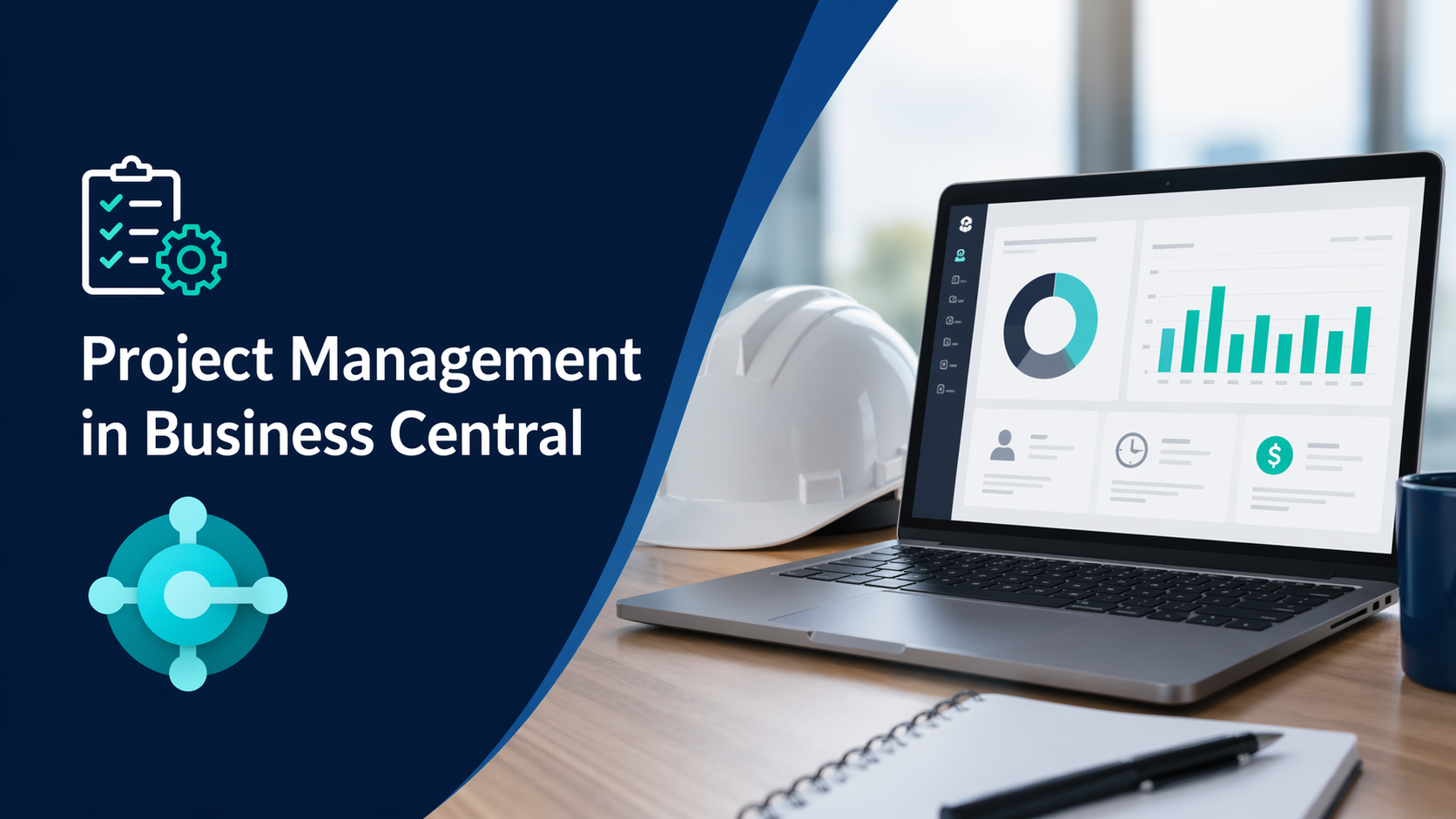
How Microsoft Dynamics 365 Business Central Supports Project Management
For project managers and business leaders, the challenge is not starting projects. It is maintaining control as they progress.
Limited visibility into resource allocation, delayed updates, and inconsistent tracking can affect timelines, cost control, and overall outcomes.
Microsoft Dynamics 365 Business Central provides a structured approach to project management by connecting planning, execution, and reporting in a single system.
A System Designed for Project Oversight
From a project manager or sponsor perspective, Business Central enables:
- Clear definition of project structure and tasks
- Visibility into resource allocation across projects
- Real time tracking of work and progress
- Consistent monitoring of performance against plans
- Centralized access to project data
This supports better oversight without relying on multiple tools.
Structured Project Setup
Effective execution begins with proper setup.
Business Central supports:
- Creation of projects with defined scope
- Breakdown of work into tasks and activities
- Assignment of resources, including employees and equipment
- Configuration of time tracking through time sheets
This provides a consistent framework for managing projects.
Resource Planning and Allocation
Resource management is a key control point for project managers.
Business Central allows you to:
- Assign resources to specific tasks
- Monitor availability and workload
- Manage resource costs and pricing
- Adjust allocations as project needs change
This helps maintain alignment between plans and execution.
Time Tracking and Work Visibility
Accurate tracking of work performed is essential.
With integrated time sheets, Business Central enables:
- Recording of employee hours against project tasks
- Alignment between planned and actual work
- Automatic updates to project data
- Reduced reliance on external tracking tools
This improves the reliability of project data.
Monitoring Progress and Performance
From a leadership perspective, visibility into project status is critical.
Business Central supports:
- Tracking progress against plans
- Comparing planned and actual usage
- Reviewing resource utilization
- Identifying variances early
This enables timely decision making.
Project Analytics and Reporting
For project sponsors and leadership teams, reporting is essential.
With Power BI integration, Business Central provides:
- Project KPIs and dashboards
- Cross project performance visibility
- Trend analysis and issue identification
- Data to support planning and forecasting
Managing Ongoing Project Activities
During execution, Business Central supports:
- Recording resource and material usage
- Managing project related purchases
- Maintaining up to date project records
- Ensuring data consistency
This reduces manual effort and improves data accuracy.
Alignment with Financial Outcomes
Although focused on project management, Business Central maintains financial alignment.
- Tracking costs as work occurs
- Monitoring work in process
- Maintaining accurate financial records
- Supporting invoicing based on progress
Limitations to Consider
While Business Central provides solid project management capabilities, there are practical limitations to be aware of.
- Not a full scale project management tool: It does not replace tools like Microsoft Project for advanced scheduling, dependencies, or complex planning
- Limited resource forecasting: Long term capacity planning may require additional tools or customization
- Basic task management: It supports structure but not detailed collaboration workflows
- Reporting depends on setup: Meaningful insights typically require Power BI or additional configuration
- User adoption is critical: Time tracking and data accuracy depend on consistent usage
- Customization may be required: More complex environments often need extensions or integration with other tools
Understanding these limitations helps set realistic expectations.
What Should You Do Next?
If projects are being managed partially outside Business Central, it may indicate gaps in configuration or usage.
To evaluate your current setup, start with:
- Business Central Optimization Checklist for SMBs
- Power BI for Business Central Reporting
These resources provide guidance on improving visibility and control.
For additional support:
https://dstrategytech.com/contactus/
Bottom Line
For project managers and business leaders, Business Central provides a structured and centralized approach to managing projects.
It is most effective when supported by the right setup, processes, and complementary tools within the Microsoft ecosystem.





Related Posts